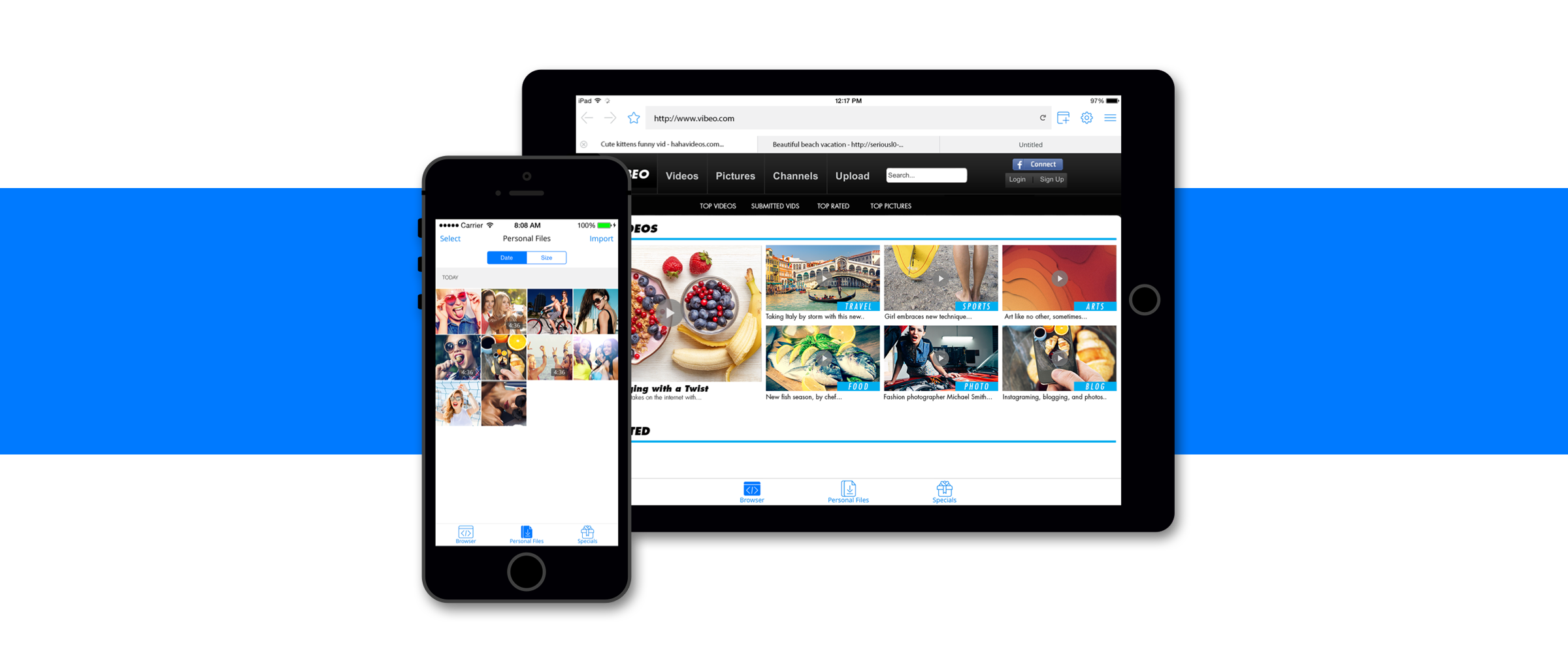
A simple, easy-to-use iOS browser app with full privacy controls. UX/UI redesign focused on an in-context in-app purchase strategy that achieved 200% more in sales per day.
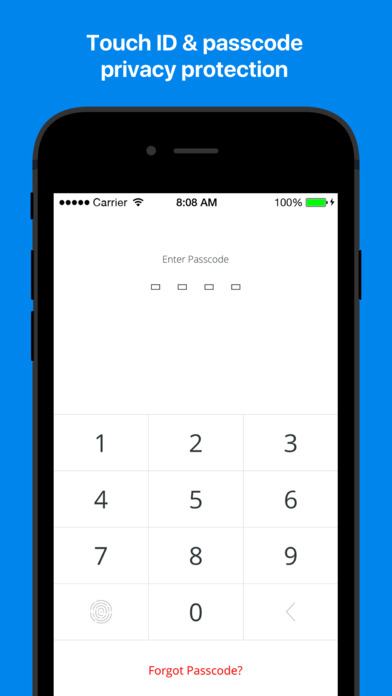
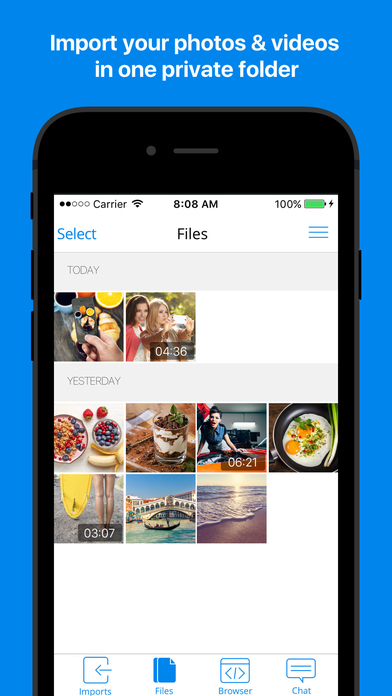
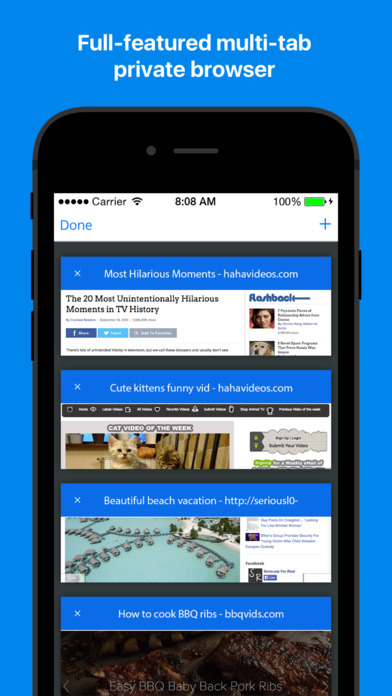
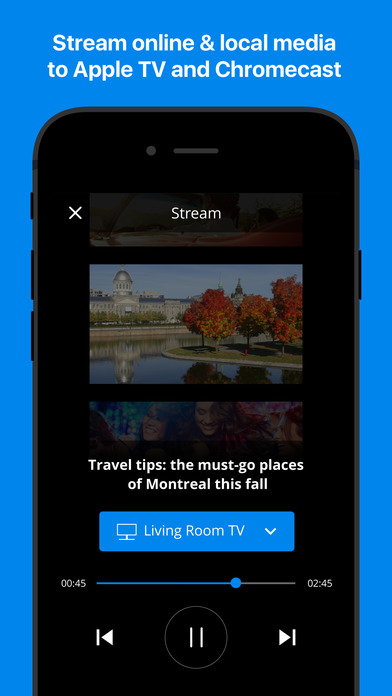
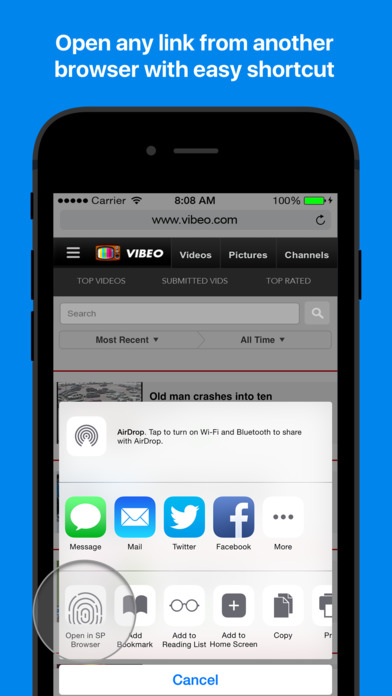
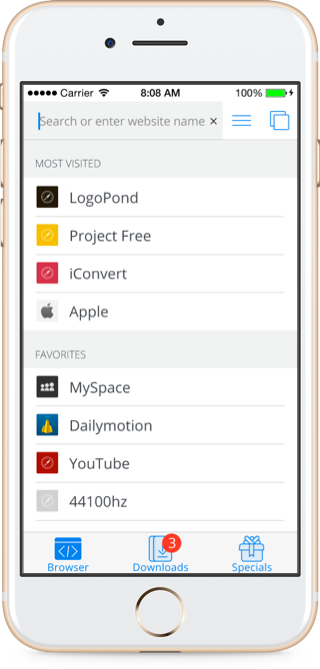
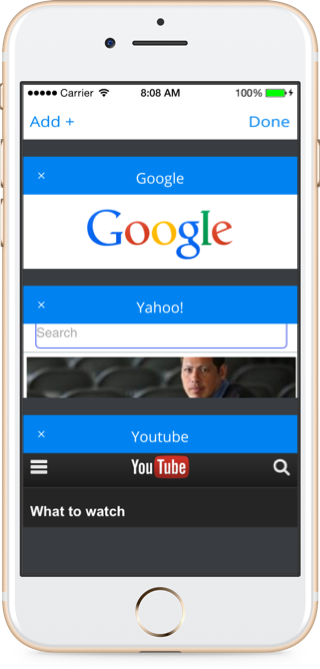
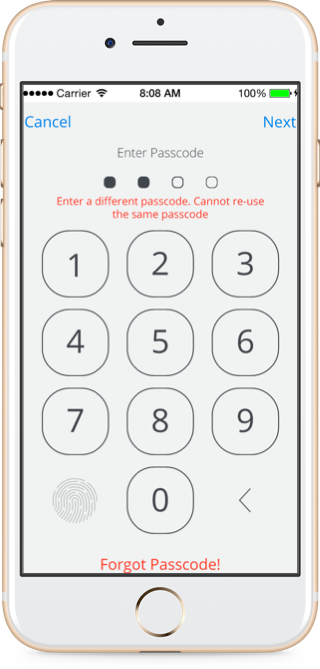
Secure Private Browser is a simple, easy-to-use app that lets you browse the Internet. Enjoy fast browsing with the full-featured multi-tab browser. Store personal files to watch whenever you want and protect your privacy by locking all files with a passcode or your Touch ID.
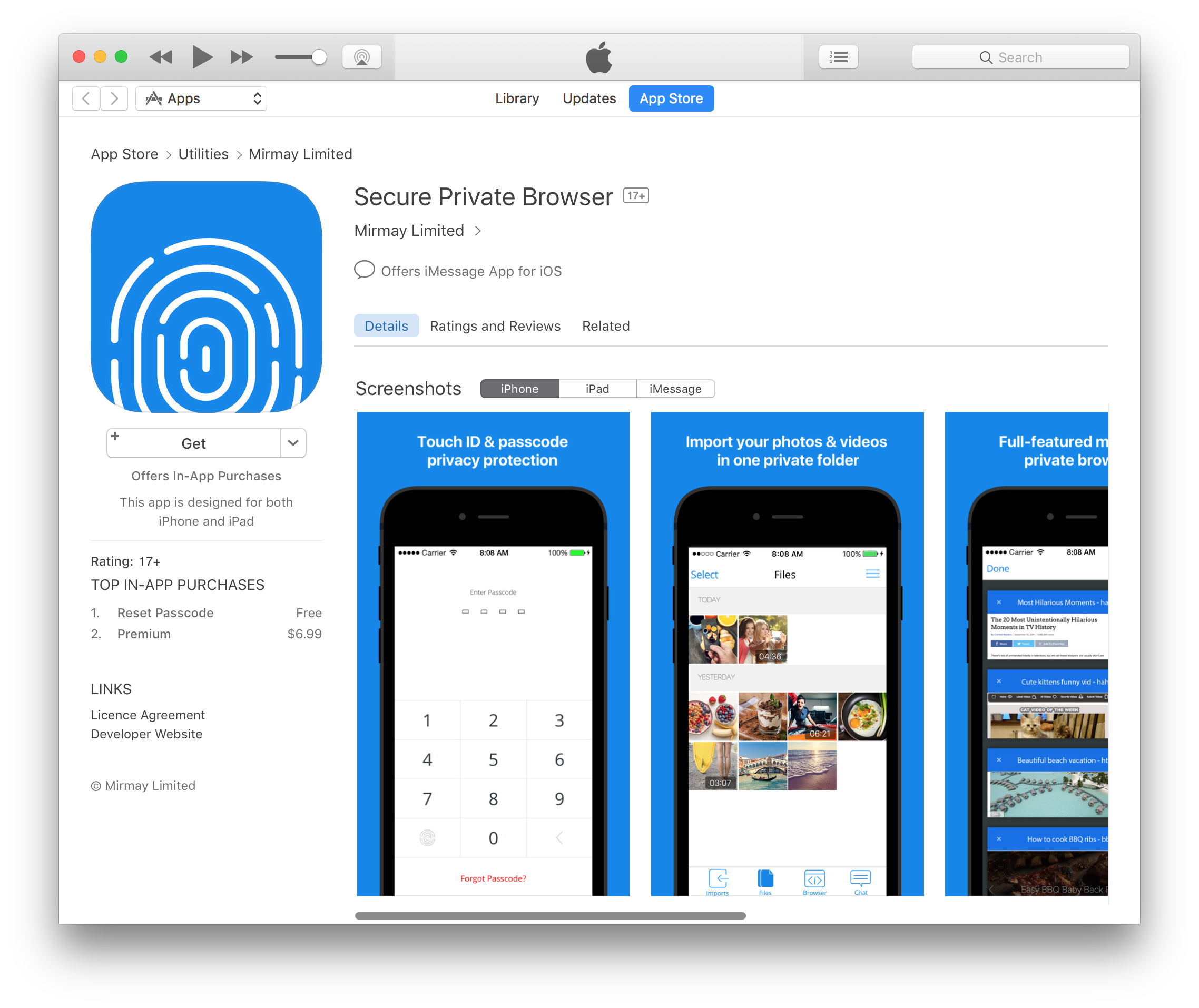
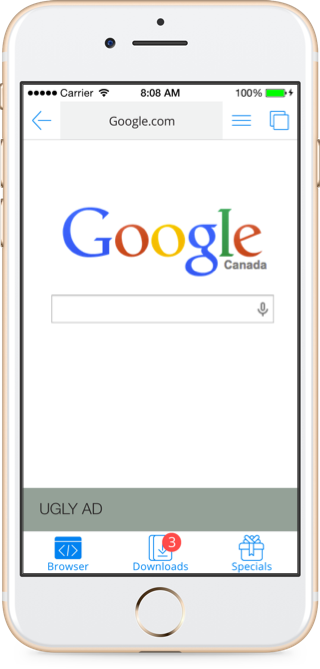

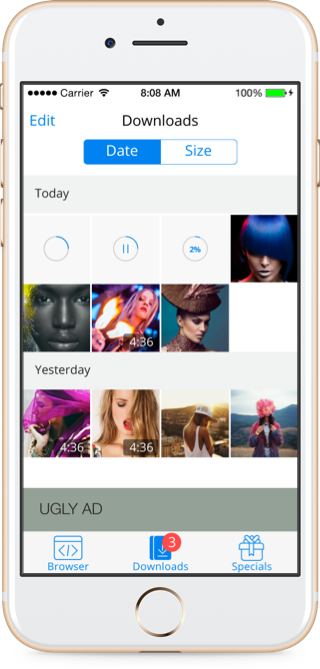
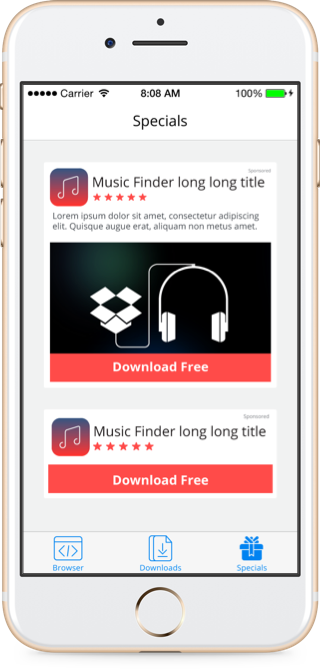
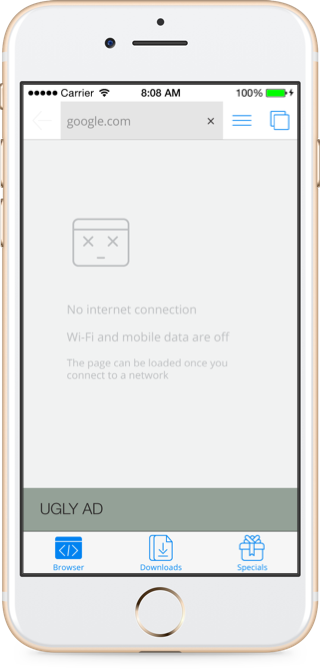
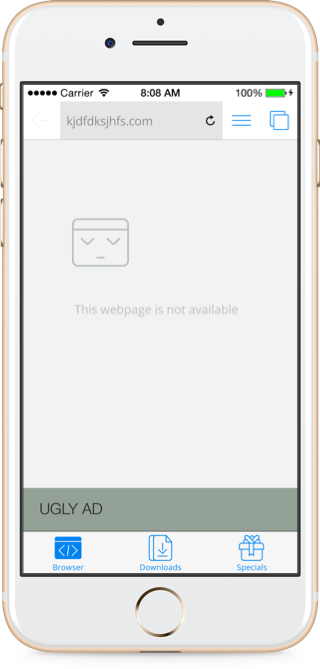
Initiative I took to redesign the app paid version banner, by creating a context for the user to encourage them to place the order. This was achieved by transforming the static banner into a button to dismiss ads, which once tapped, prompts the user to buy premium.
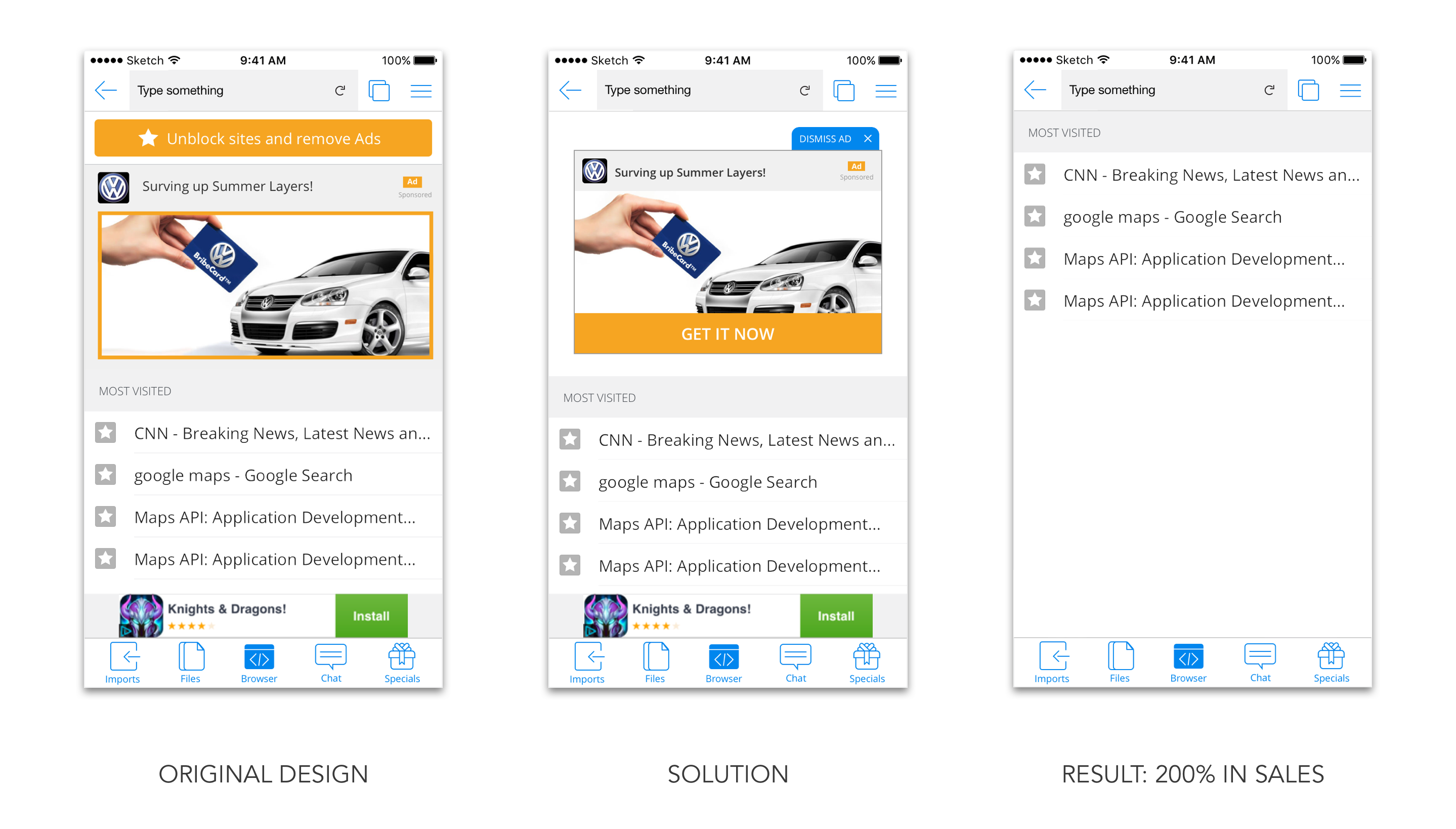
200% more in sales per day
Logo → Identity → Sitemap → Wireframes → Website → Code